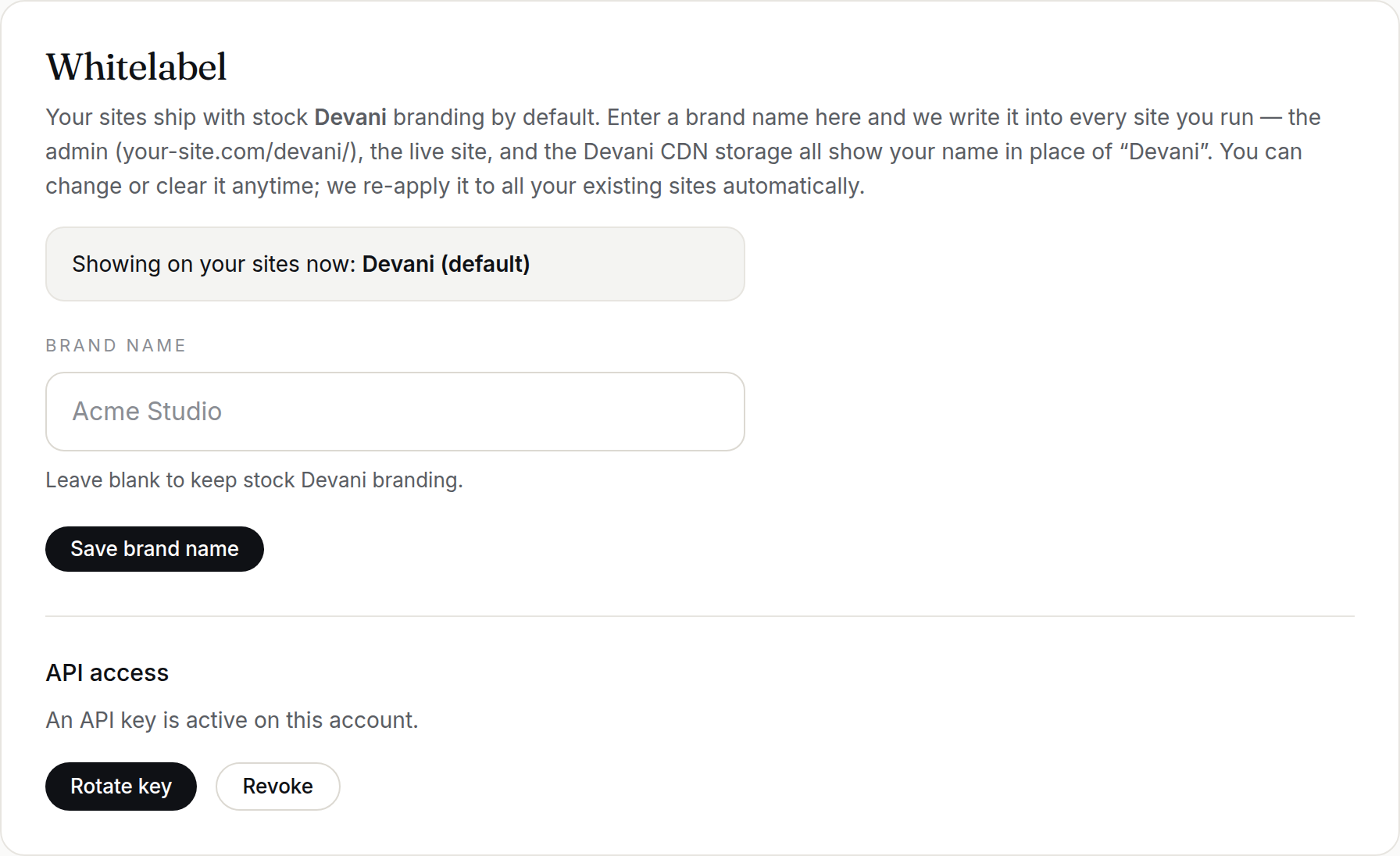
Whitelabel Agency accounts get a full HTTP API to manage sites end to end — create sites, attach domains, issue certificates, tear them down — with no dashboard clicks. Every site you create belongs to your account, so it's instantly controllable from your one Claude hub connection too.
Get your API key
- Dashboard → Account → API access. Generate a key (or Rotate to replace an existing one).
- Copy it once (it's only shown at creation). Send it as the header
X-API-Keyon every request.
Base URL
https://app.devani.io/api/v1Core endpoints
GET /account— Your plan, limits, usage, and hub-MCP URLGET /sites— List your sitesPOST /sites— Deploy a siteGET /sites/{id}— Site detail (incl. the site's admin login + per-site MCP URL)DELETE /sites/{id}— Tear a site downPOST /sites/{id}/domains— Attach a custom domainPOST /sites/{id}/ssl— Issue / re-issue the certificateDELETE /sites/{id}/domains/{domain_id}— Remove a domain
Full reference
The complete, always-current reference — every endpoint including custom-domain DNS, SSL, storage limits, SFTP, upload file types, the Cloudflare DNS proxy, and Devani version/updates — is in the Agency API — full reference.
Example: spin up a client site
Send a POST to /api/v1/sites with your X-API-Key header and a JSON body naming the slug and display name. The call returns when the site is live (~40s), and the response already includes the site's Devani admin login and per-site MCP URL under devani_admin.
The full loop
- Create a site → it's live on its free
*.devani.studioaddress. - It immediately appears in your hub MCP — no wiring. Tell Claude to build it out.
- Attach a custom domain → auto-DNS if you've connected Cloudflare, otherwise you'll get the records to add.
Plan limits (site count, custom domains, CDN) are enforced automatically — you can't exceed your plan.